Seedance Stager

Seedance Stager

Stage every video generation before a prompt is sent.

Seedance Stager gives creative teams a focused workspace for preparing characters, locations, episodes, and storyboards so generated video starts from organized production context instead of scattered notes.

Episode boardGeneration ready
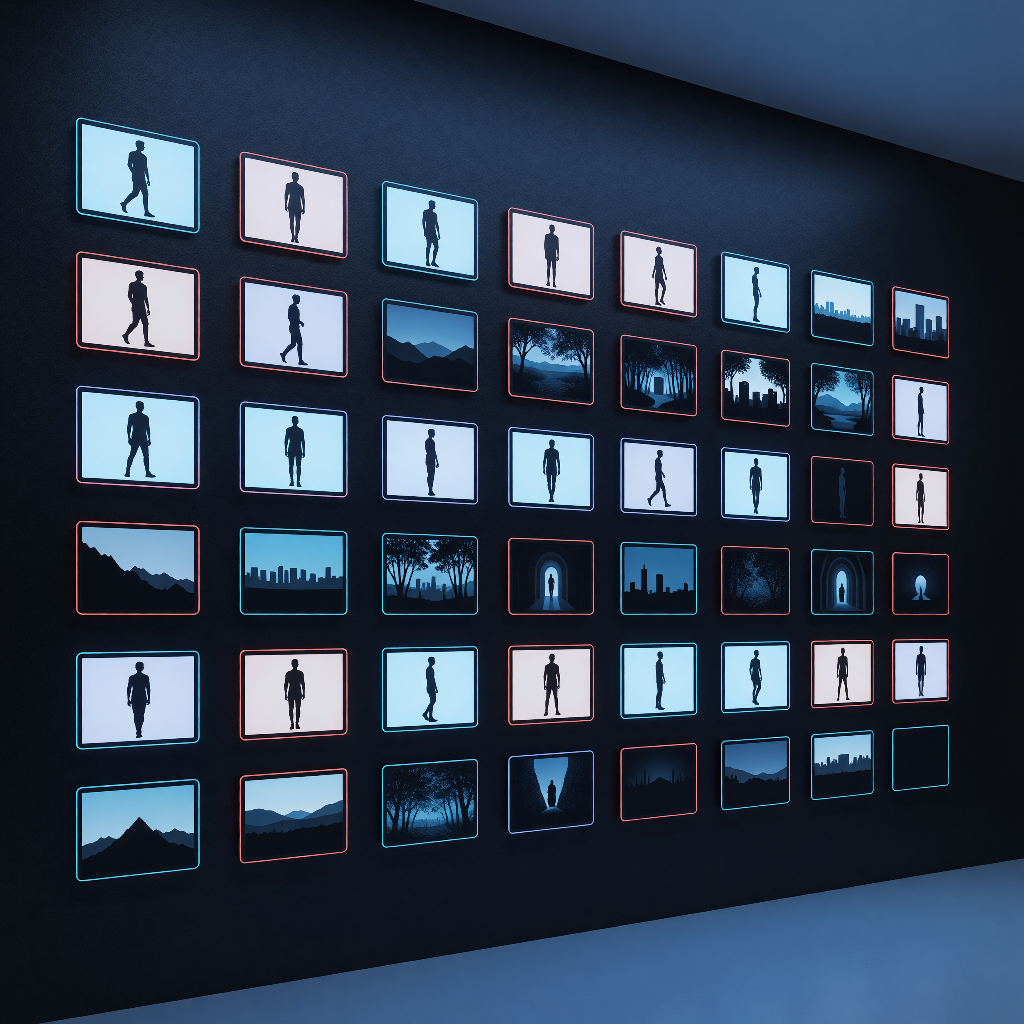
Project production wall showing episode cards, cast references, and storyboard boards.
Shot 04Market reveal, dusk tracking move

Uses main character wardrobe, riverside market location, warm practical lighting, and camera motion notes.

Cast3 locked
Locations5 staged
Episodes2 active
Shots18 queued
Cast continuityLocation contextShot promptsStoryboard orderGeneration notes

Production context

One place to prepare the ingredients that make generated scenes coherent.

The front of the workflow is where continuity is won: cast details, location language, episode intent, and shot structure all stay visible before a generation job is assembled.

Character and location reference board with cast portraits, wardrobe notes, and staged setting context.
Characters

Keep cast decisions consistent

Capture identity, voice, styling, and reference notes before shots start moving through generation.
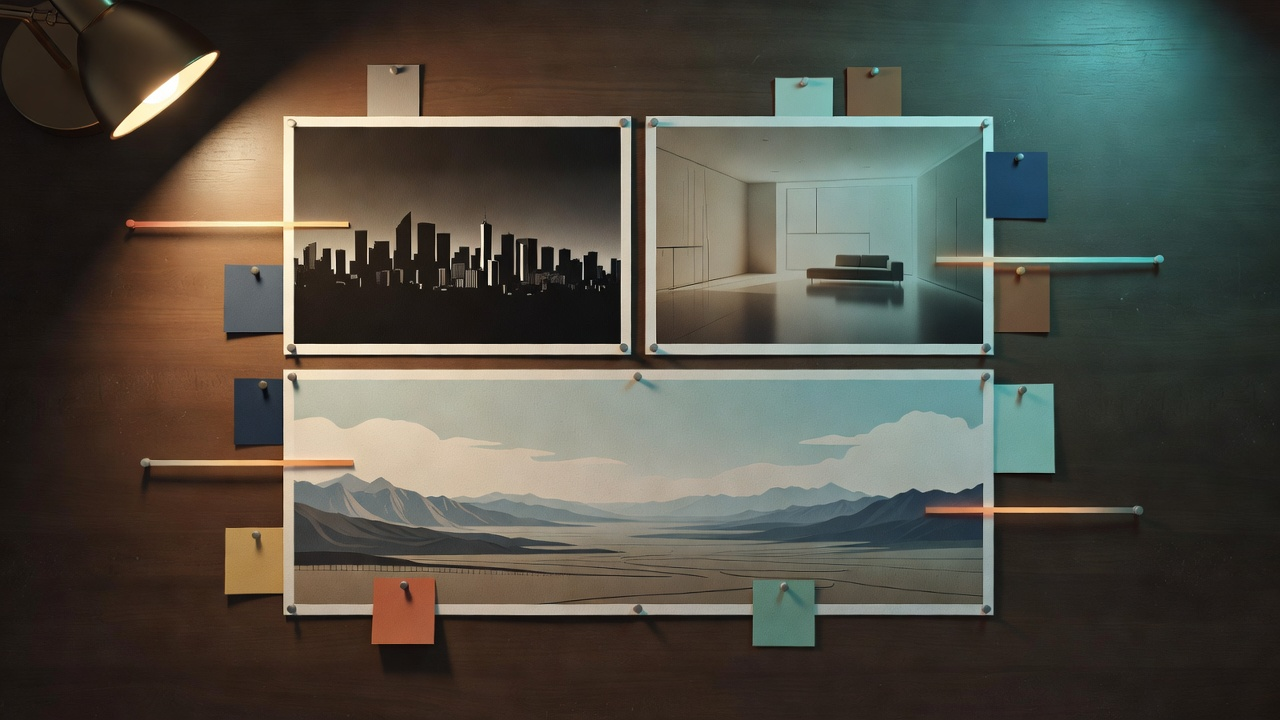
Location mood board showing staged place references and atmosphere notes.
Locations

Stage reusable places

Describe sets, atmosphere, props, and production constraints once, then reuse them across episodes.
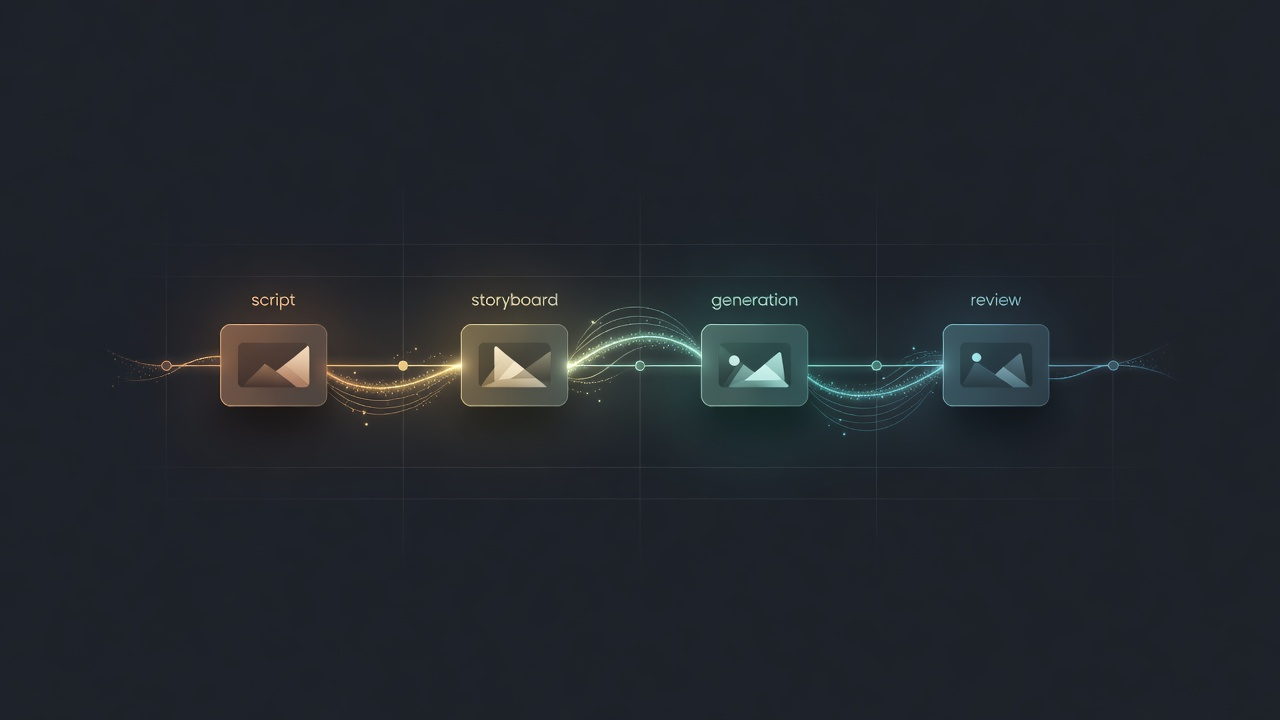
Generation handoff timeline connecting episode context to delivery steps.
Episodes

Organize the story spine

Group creative direction, cast, locations, and storyboard work around the episode that needs delivery.
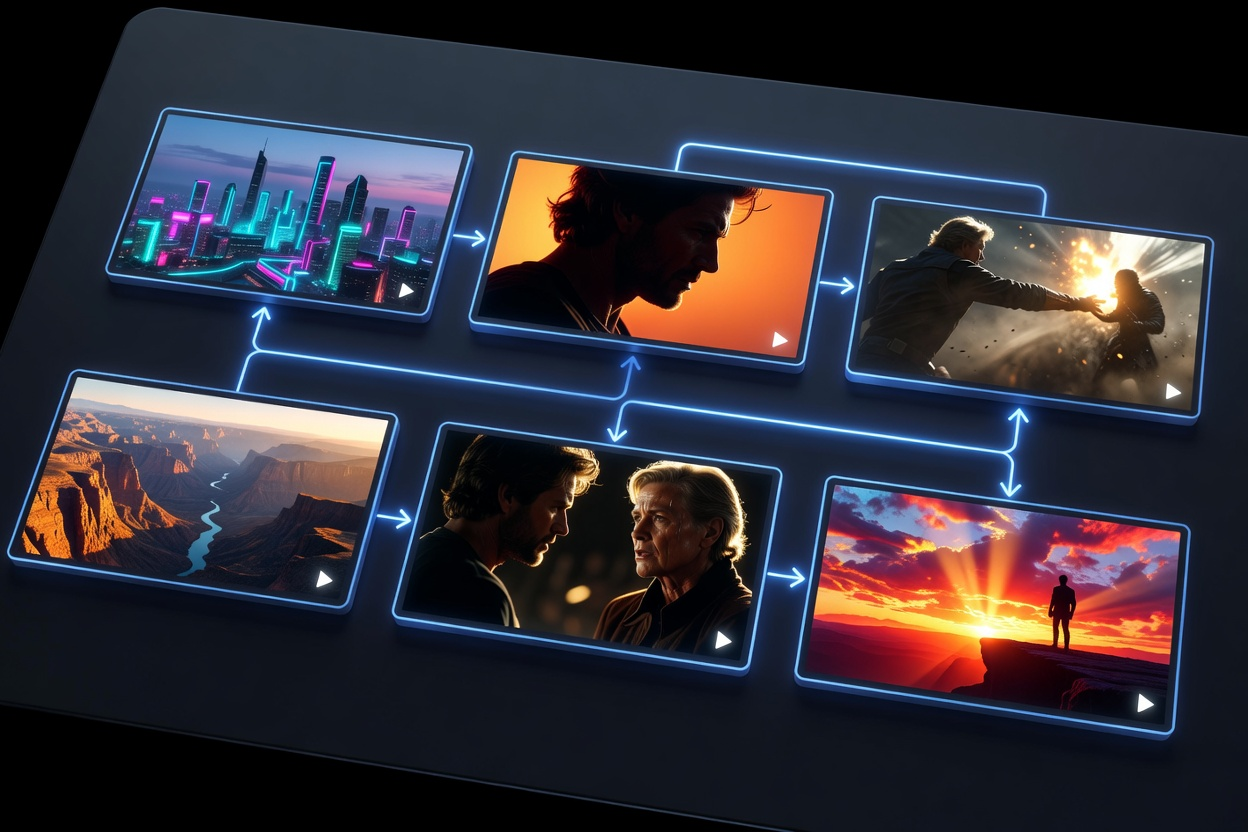
Storyboard shot sequence with planned frames, camera direction, and readiness details.
Storyboards

Shape shots before rendering

Turn scene beats into shot-level prompts with camera language, motion notes, and readiness tracking.

Staging flow

From project bible to generation handoff.

Seedance Stager keeps the creative setup close to the dashboard, so production work and project entry happen in a dedicated workspace after sign-in.
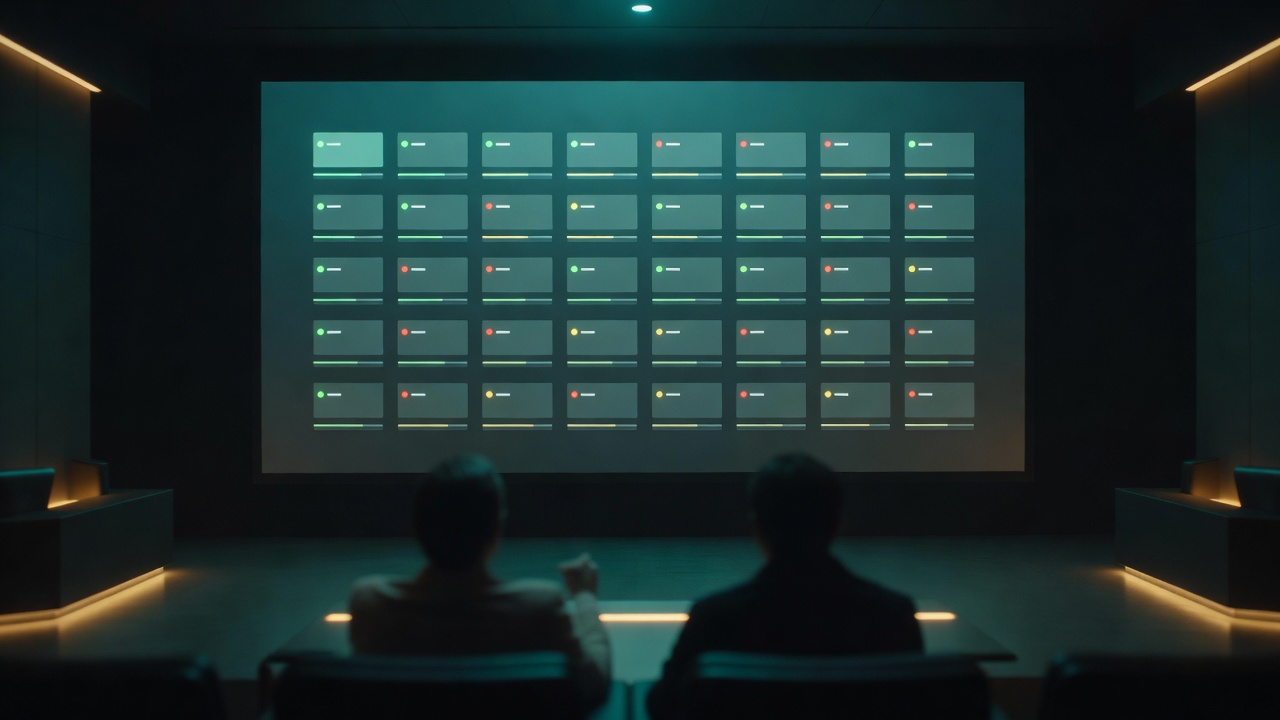
Production review workflow showing storyboard frames and generation readiness checks.
  1. Build a project bible with the people, places, and episode context.
  2. Convert the creative brief into storyboard shots that carry the right references.
  3. Review missing cast, location, prompt, and media details before generation.
  4. Send cleaner, production-ready staging data into the video pipeline.